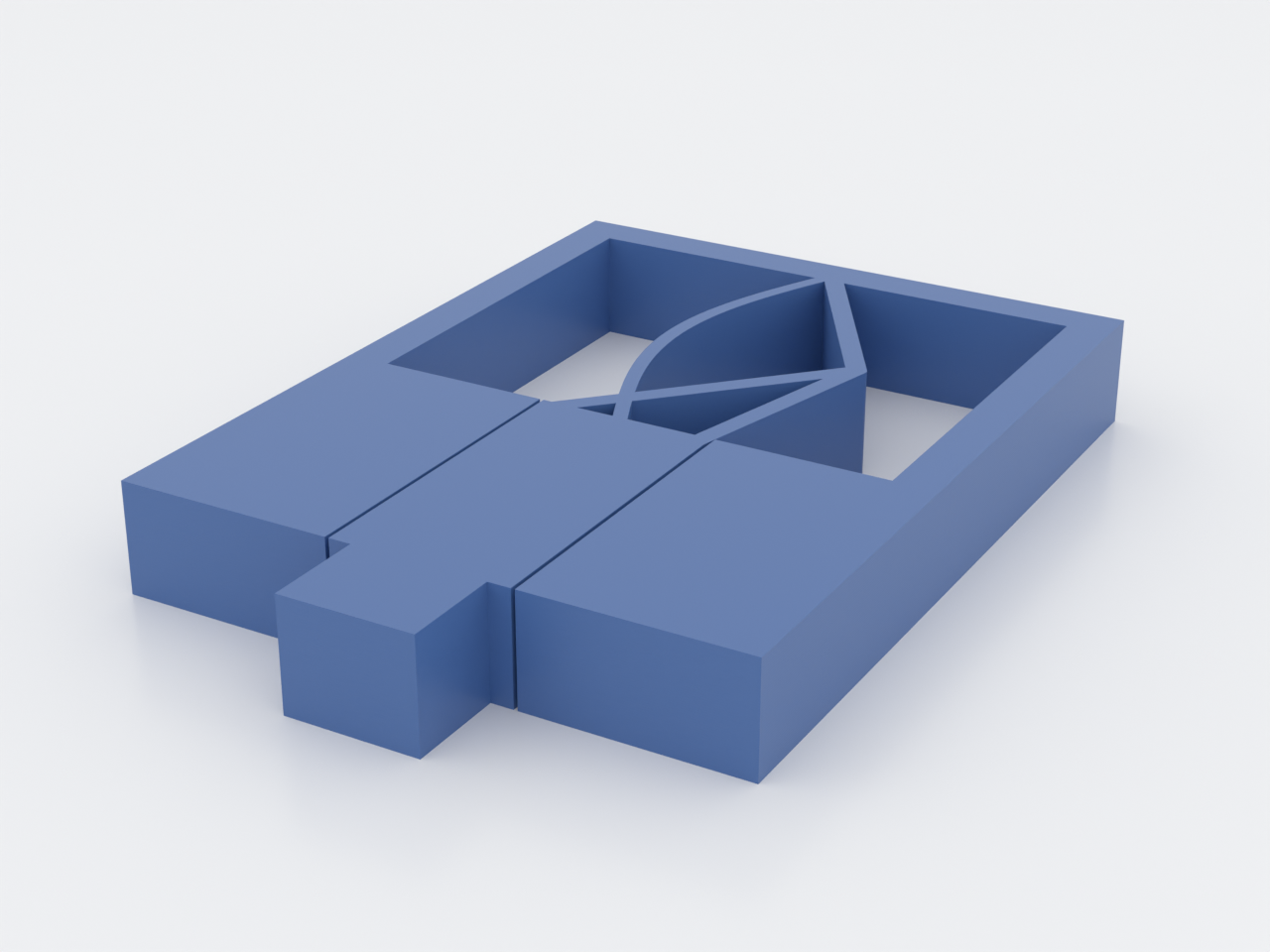
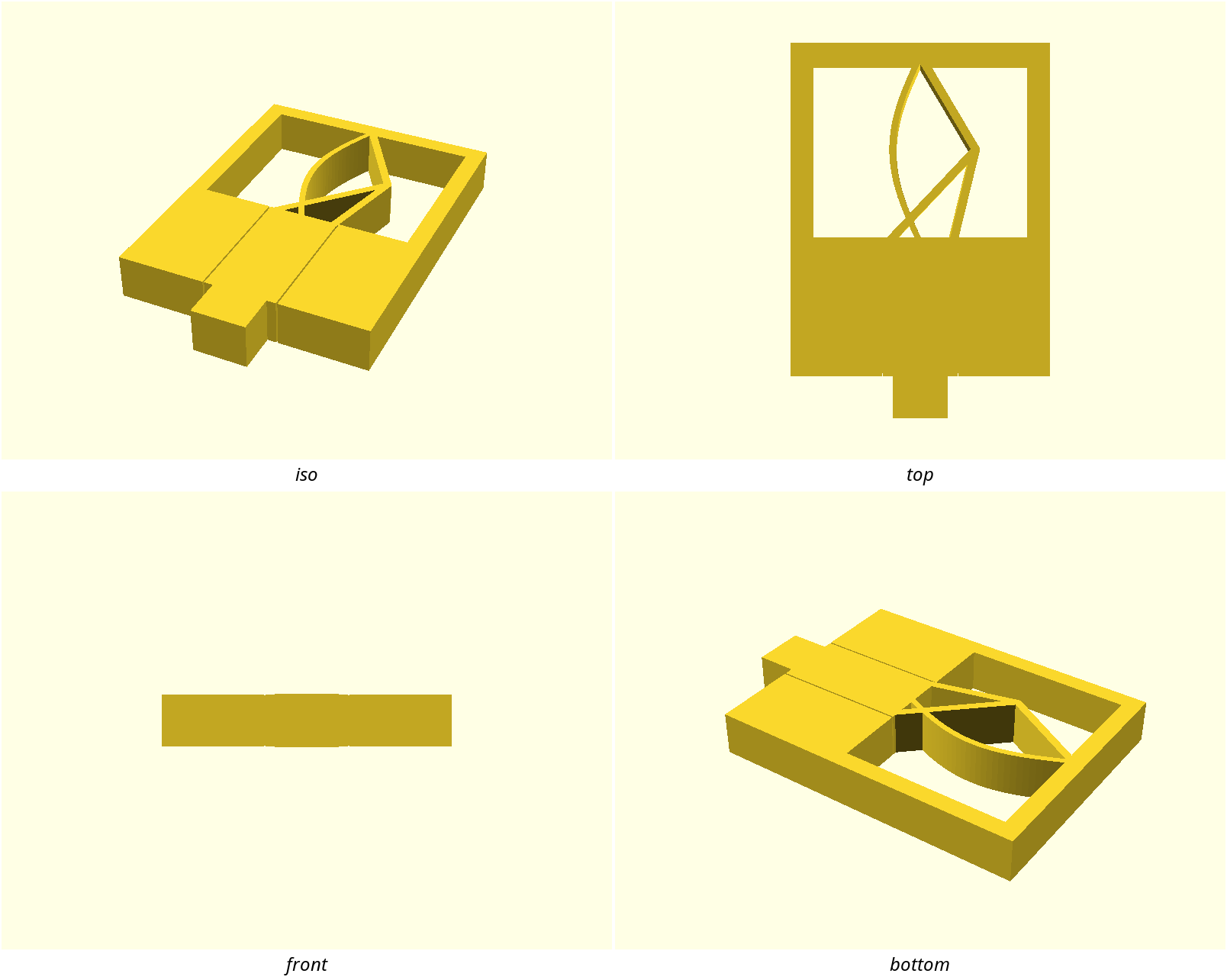
A linear shuttle that moves under ~constant force across its stroke, returned
by a quasi-zero-stiffness (QZS) compliant spring and guided by a print-in-place
slot. It's the capstone reference part: it fuses the hardest compliant idea in
docs/advanced-techniques.md (constant force from a negative spring in parallel
with a positive one) with a print-in-place slide.
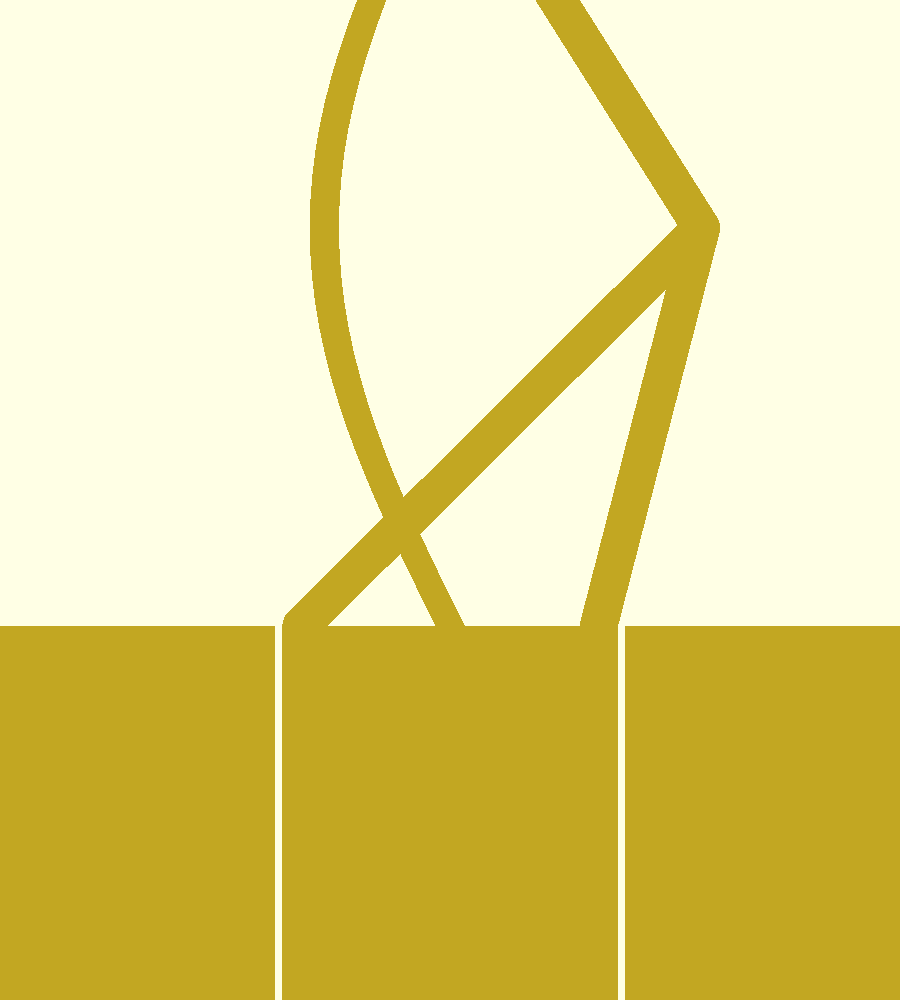
The QZS spring (ortho top): a pre-buckled arch (negative stiffness, bowing left) in parallel with a V-beam chevron (positive stiffness, apex right):
What you get
constant-force-slider— one flat print, ≈ 56 × 81 × 10 mm, with a push knob that travels ~10 mm against a near-constant restoring force.
Print settings
- Material: PETG / PP / nylon (live flexures). Not PLA.
- Layer height: 0.2 mm
- Infill: high perimeters (thin flexures)
- Supports: none needed
- Orientation: flat, as modelled — flexures bend in the layer plane; the guide-slot walls are vertical.
How the constant force works: the V-beam resists motion with positive
stiffness; the parallel pre-buckled arch contributes negative stiffness over
its snap region. Tune arch_rise so the two slopes cancel and net stiffness ≈ 0,
which flattens the force curve. The shuttle rides a guide slot with a
print-in-place sliding clearance (slide_tol); the spring tethers it.
Parameters
| Parameter | Default | What it does |
|---|---|---|
arch_rise | 6 mm | negative-spring magnitude — the cancellation tuning knob (rise/arch_t ≥ 2.3) |
vbeam_t | 1.8 mm | positive-spring (V-beam) stiffness |
arch_t | 1.4 mm | arch beam thickness |
stroke | 10 mm | shuttle travel |
slide_tol | 0.35 mm | print-in-place guide clearance per side |
All parameters are at the top of constant-force-slider.scad; override with
-D 'arch_rise=7'. demo_push is a preview pose only — print at 0.